
Yay…finally managed to get PVR recording working on Kodi.
- PVR IPTV Simple Client
- Decent m3u8 playlist URL
- IPTV Recorder program add-on
- Ffmpg setup with Windows 10 env path
- Turn on the Web Server in Kodi and enable Remote Control
Here are some initial pictures, more to come – stay tuned
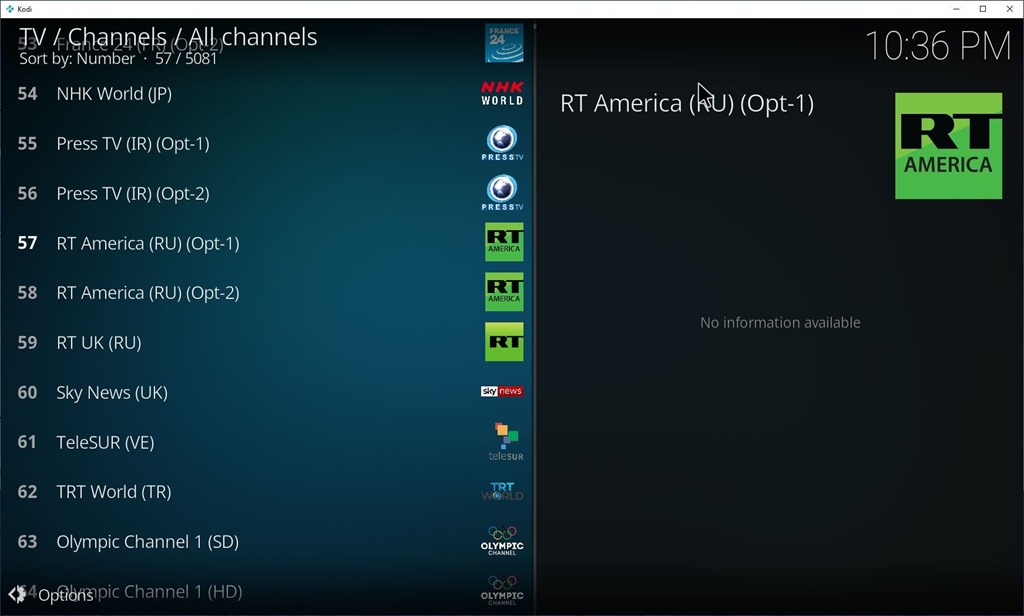
This is the PVR IPTV Simple Client configured to use the Fluxus IPTV playlist (URL)
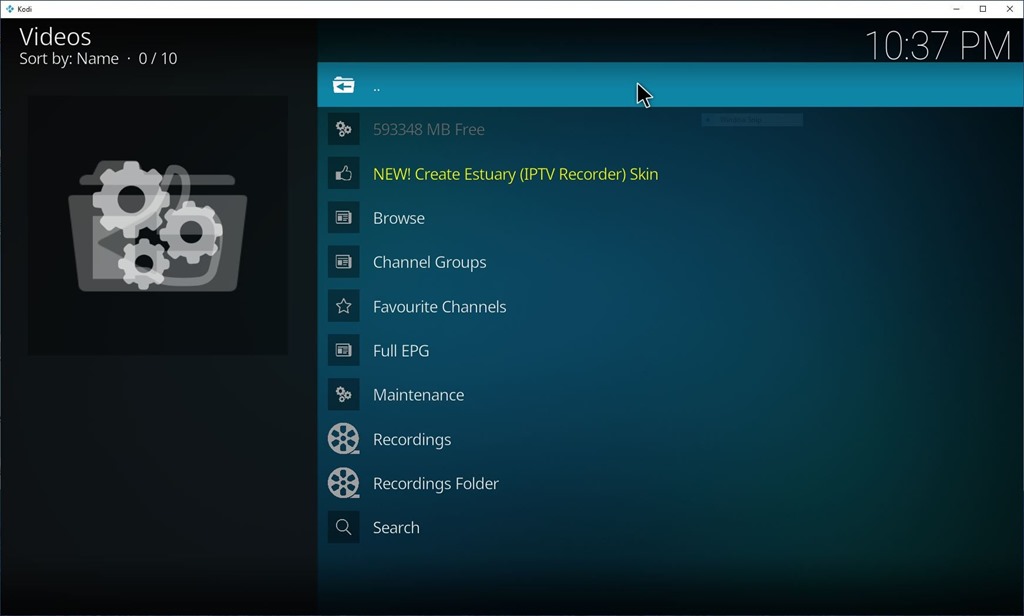
The IPTV Recorder program add-on configured and pointed to Ffmpeg.exe
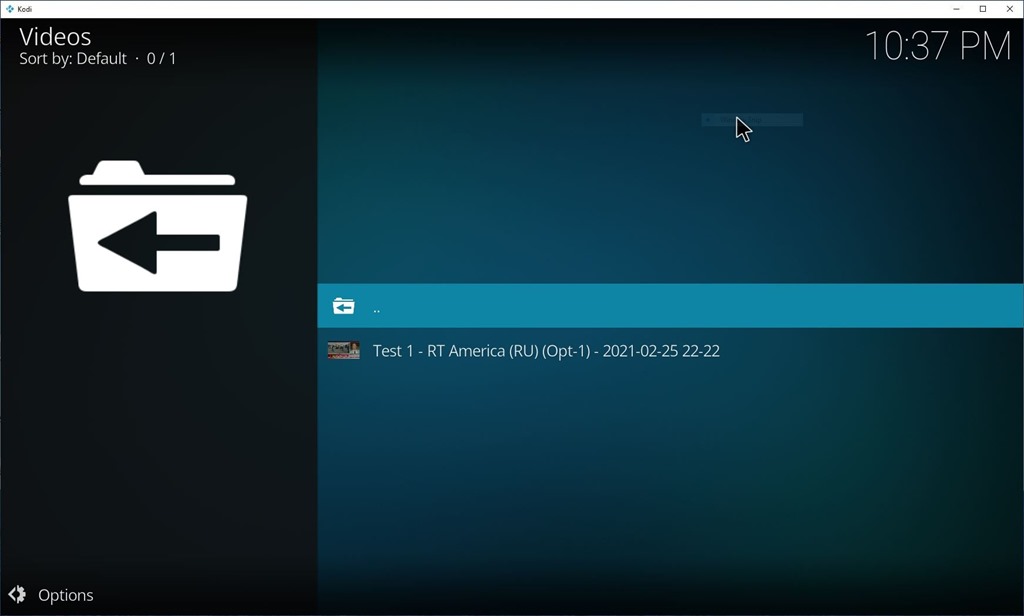
Here is the first test recording – it works!

Screen clip from the recording.
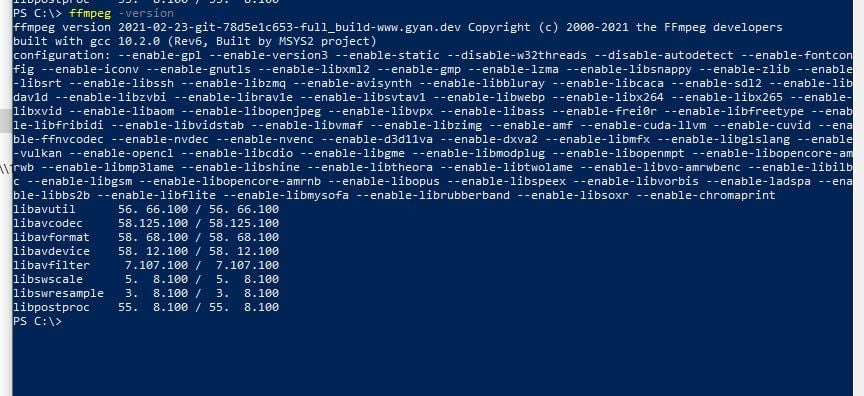
After setting the path check that FFmpeg is working by executing:
ffmpeg -version

 Alan Mackenzie's Blog