Doing a review of my Android TV boxes which includes the purchase of a new Vodafone TV box for the lounge. The lounge MXQ Pro 2/16 will go to the balcony to replace the existing MQX Pro 1/8 that will go out to the workshop – something like that.
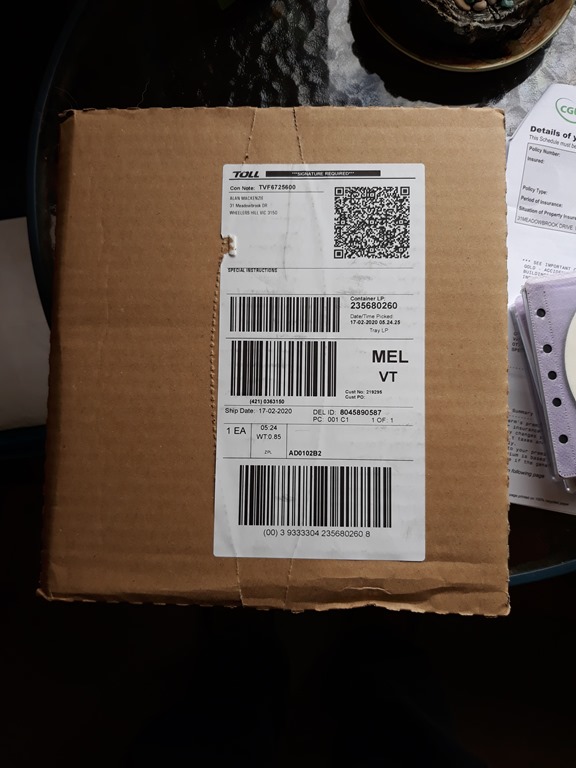
Vodafone order arrived on Wednesday.
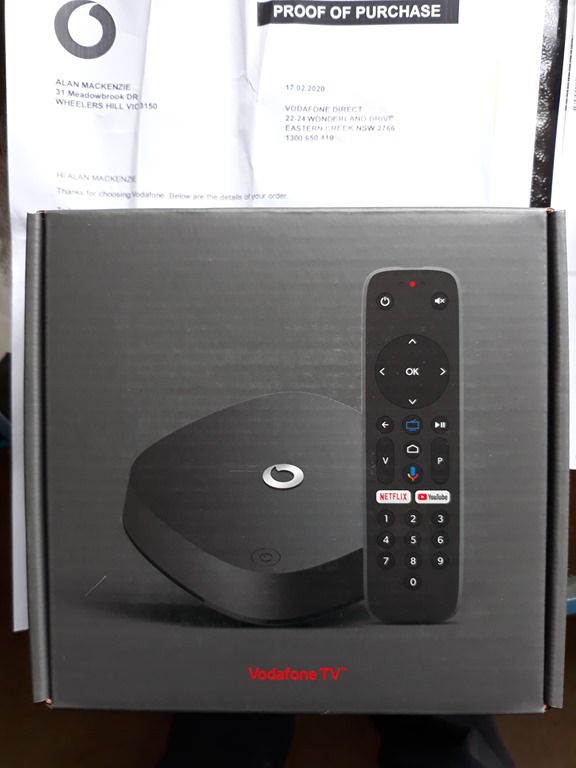
This is for the lounge but I’ll setup and test run the box on the balcony computer desk with mouse & keyboard.
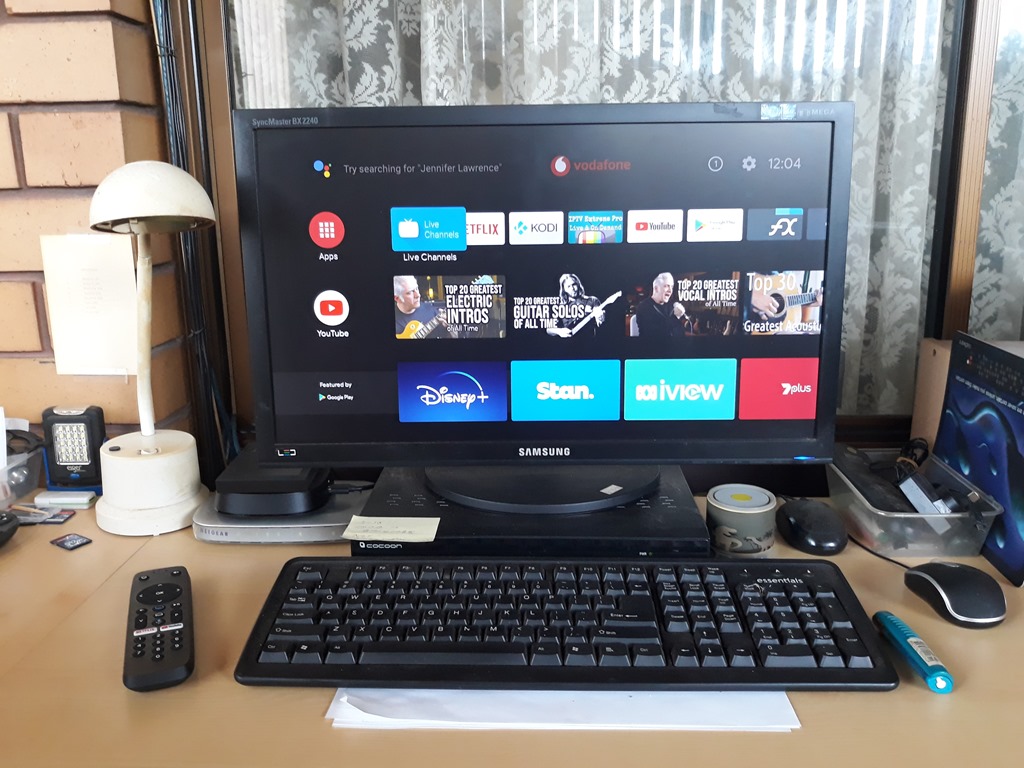
To the left is our beloved Lenovo AIO desktop and here on the desk return is the CCTV DVR and Android TV. I do all my Kodi and IPTV research/setup here and also download Movies & TV Shows.
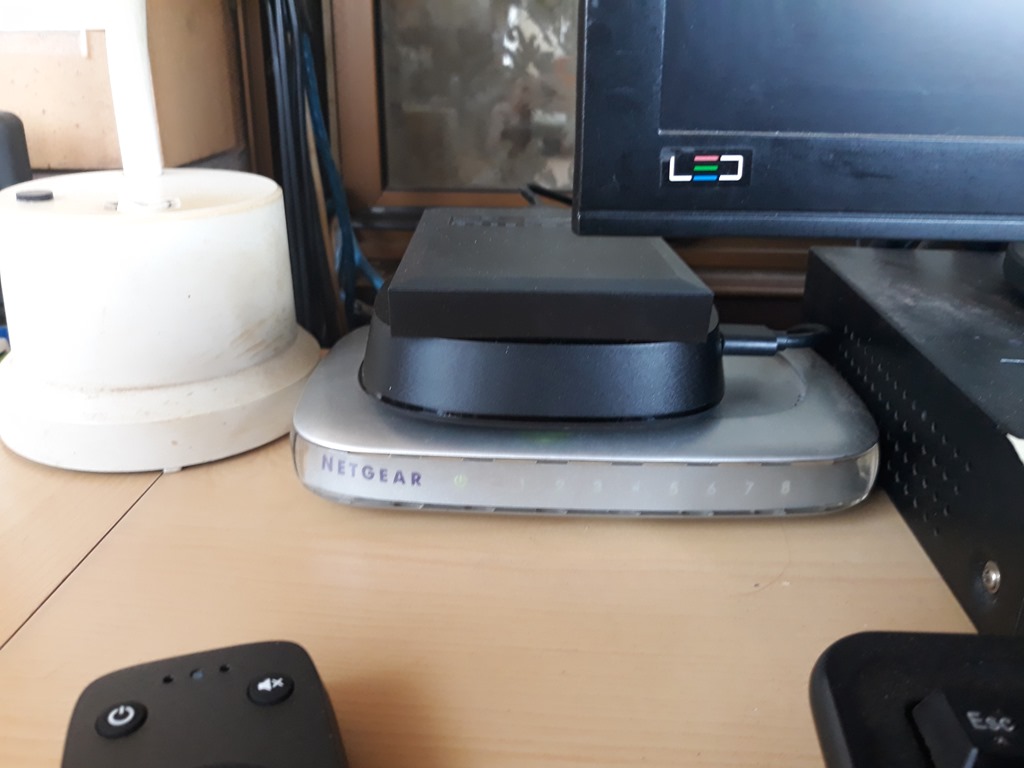
For now I swapped out the MXQ Pro for the new Vodafone box for setup and config and later will move it to the lounge.
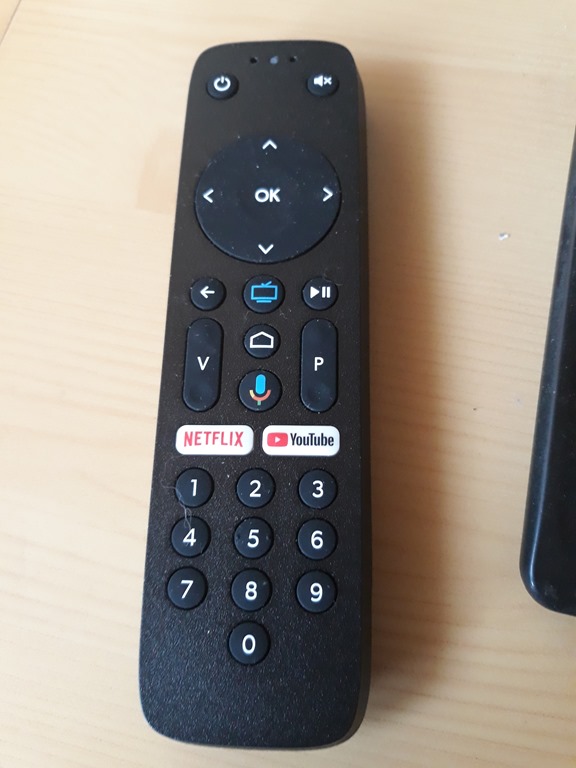
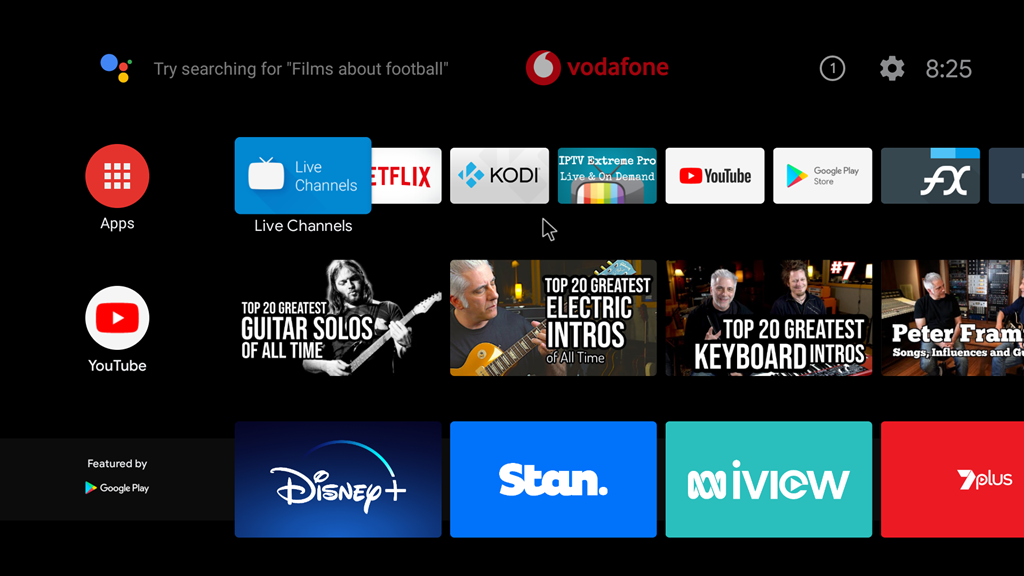
We are well into setup and installed a couple of my fav Android apps – IPTV Extreme Pro and FX File Explorer.
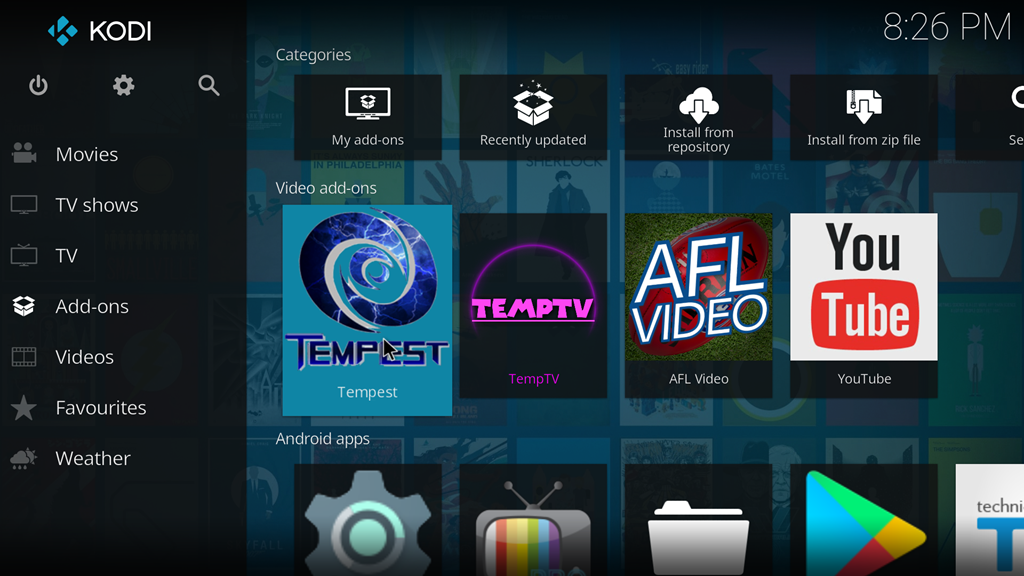
Kodi is installed and setup for network connectivity. Also installed my current fav Kodi addon which Tempest.
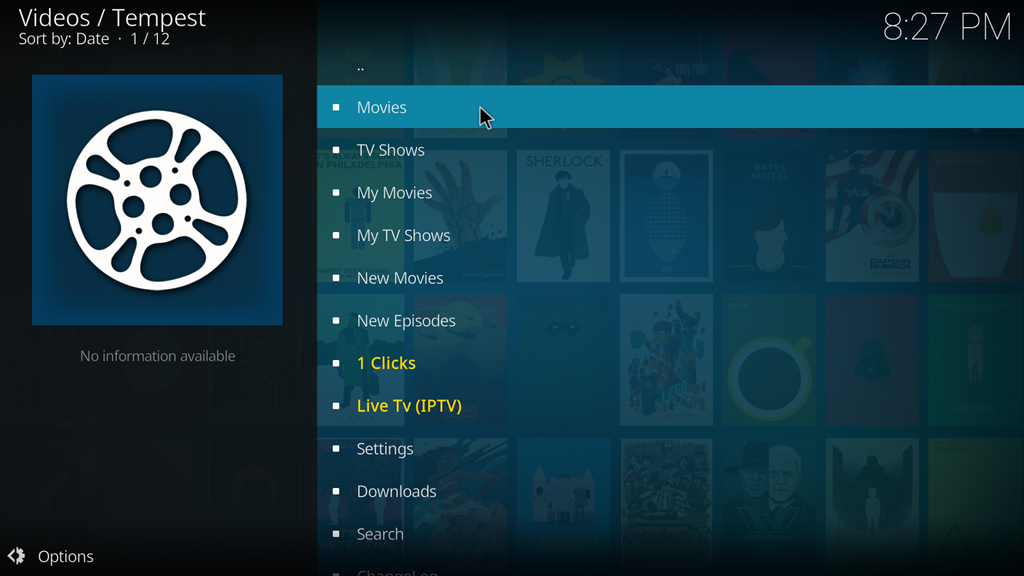
This is the main Tempest screen and is typical of many of the Kodi addons. Tech knowledge is required to setup and maintain Kodi – and the Addons.
One example – If I click on My Movies or My TV Shows a lot of things happen in the background, the system will go out and connect to a particular movie database usually Trakt and retrieve my info in particular the Watchlist which for me is my movie download list.

I do all my movie browsing in Trakit and also IMDB or TVMD. Here is my Trakt Watch List showing just the top row. Back in Kodi when I click on My Movies in Tempset this watchlist is retrieved and presented as a list on screen. As I said this is my movie down list.

 Alan Mackenzie's Blog