
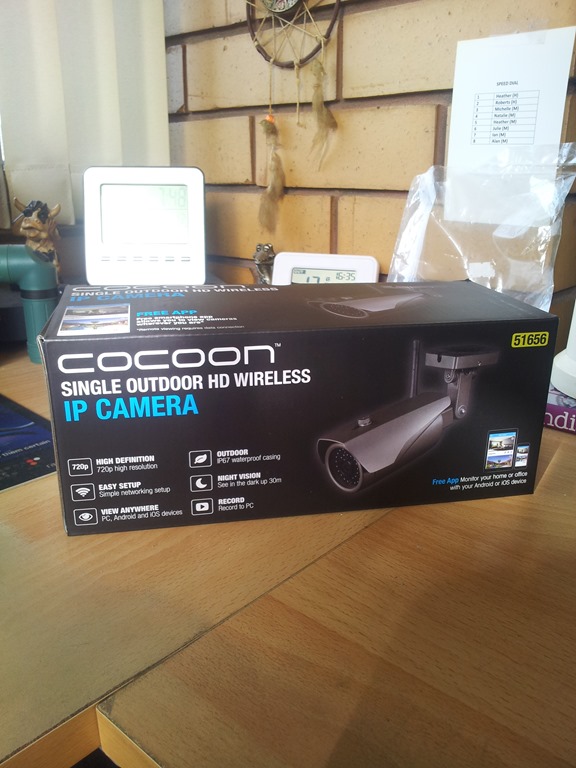
Purchased this last Wednesday so it’s time to unpack and have a play with it here on the balcony computer desk, setup everything and then take it out to the chook run.
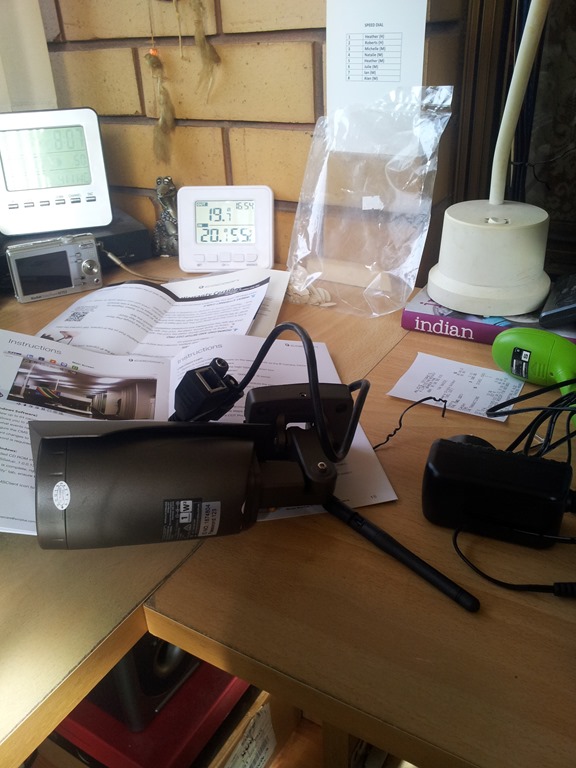 First impressions are good, it looks and feels almost like a entry level commercial quality camera – nice.
The manual instructs you to setup a mobile device first with the recommended camera app and then install the Windows CMS client software – I did the latter first.
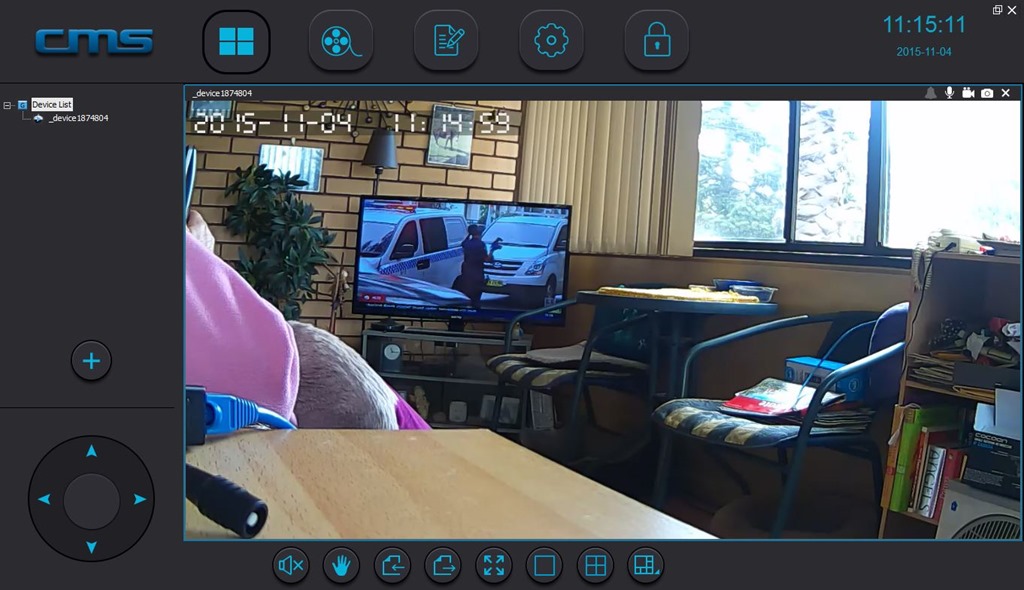
Wired the camera to a local switch and installed the provided desktop client software and then went through the setup to connect and configure the camera on the home network with a static IP address. It’s supposed to be 720p HD and I have no reason to doubt that – looks really good! You can login locally or over the internet using your COT Pro account.
For a mobile device, in my case a Samsung Galaxy Note GT-N7000, the recommended app is COT Pro. For installing apps I always connect my phone to the main Win 7 PC and then open the browser and go to Play Store. With the app installed created a COT Pro account and connected to the camera with no issues.
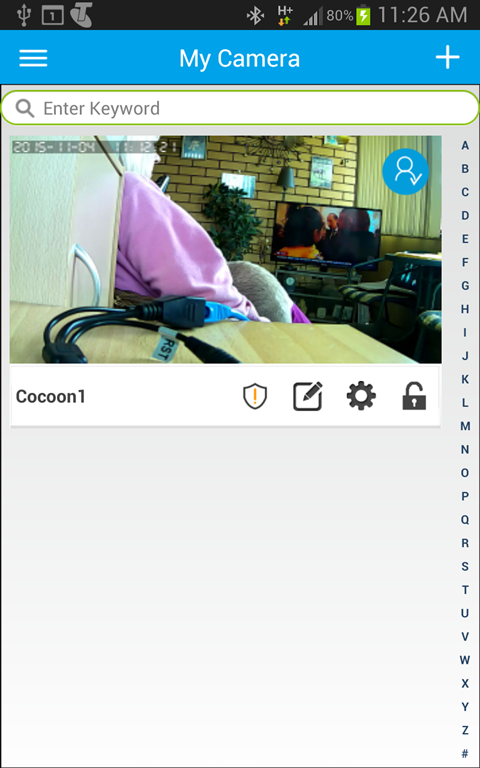
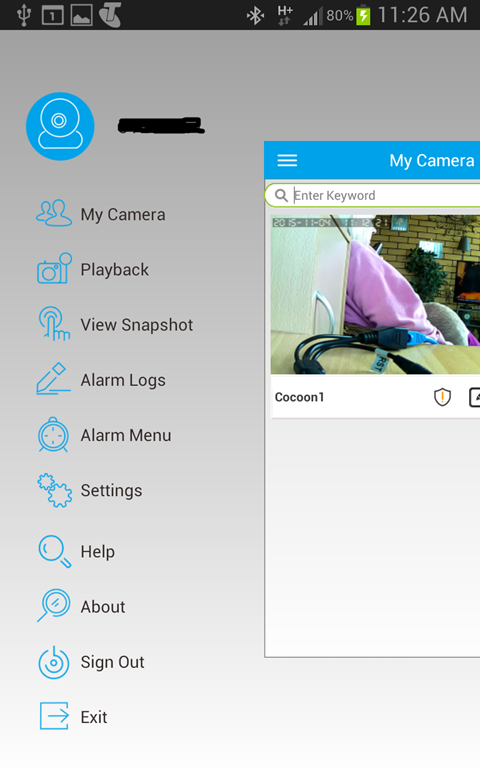
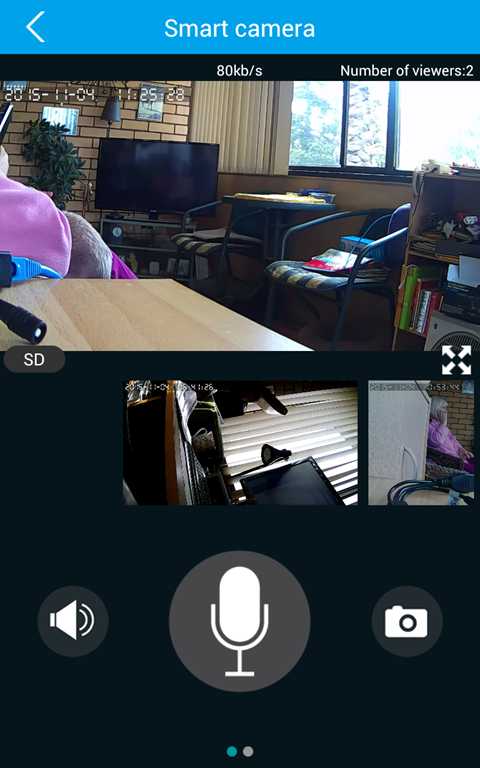
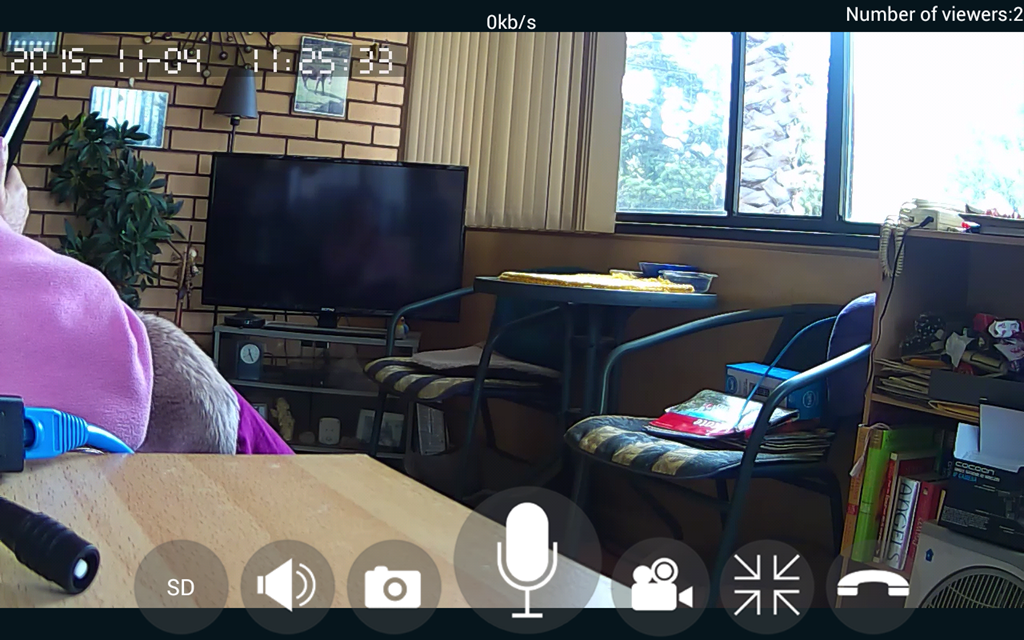
Picture quality is good – very good.
I will play around with it for a couple of days (here) and then take it out and mount the camera in the chook run.

 Alan Mackenzie's Blog